 Verisutras
Running Local LLMs on a MacBook Air M4: Where It Works, Where It Breaks, and What to Buy Instead
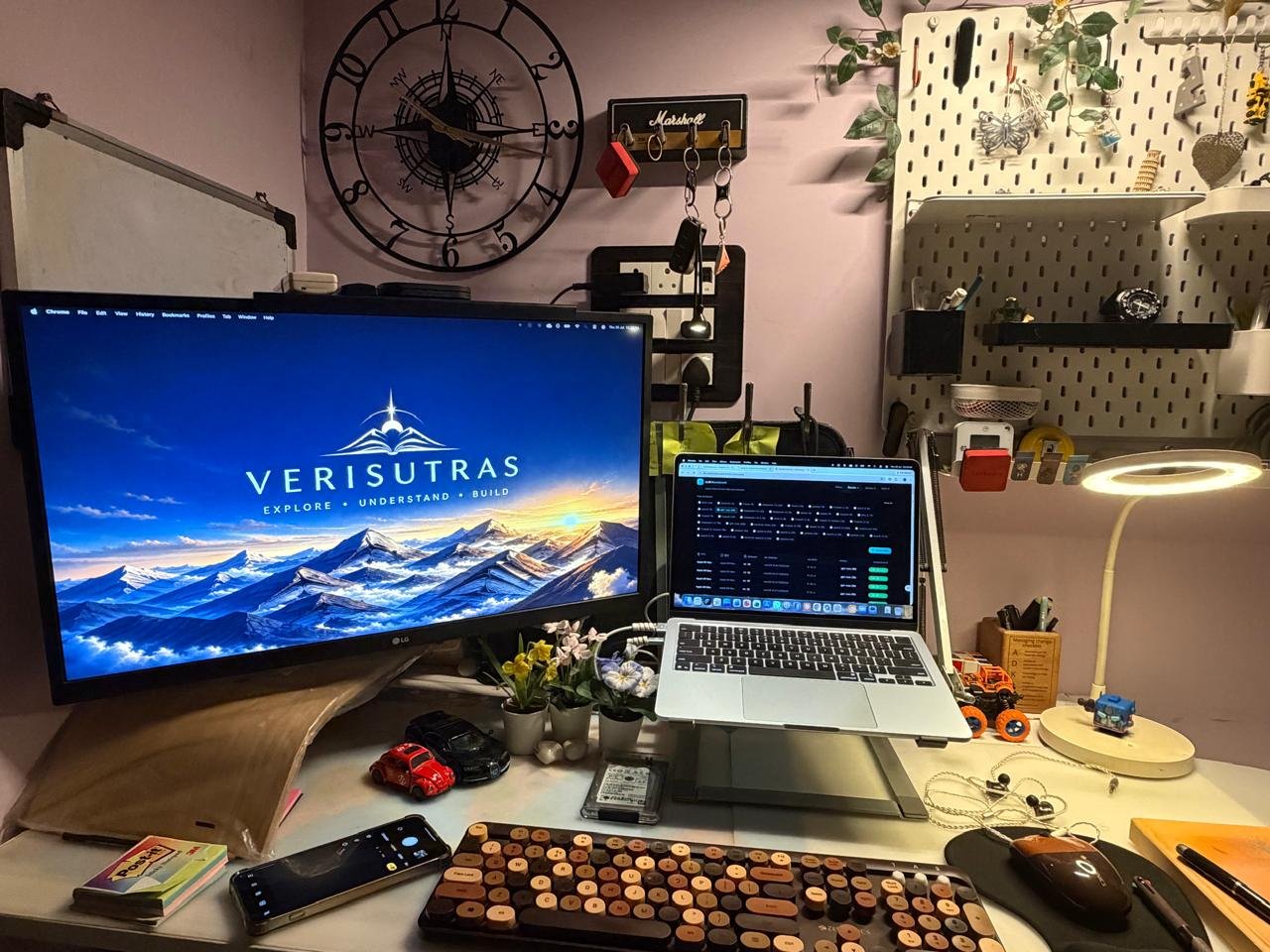
The MacBook Air M4 makes local language models practical for a narrower but useful class of work: private document exploration, offline drafting, lightweight retrieval, and prototype workflows. It does not make the Air a substitute for a GPU workstation or for a strong cloud model when quality and scale matter.
How to read this: this is an operational comparison, not a synthetic benchmark. Results vary with the runtime, model architecture, quantization, context length, background applications, and memory configuration.
What’s next: We are currently testing a small set of real local-LLM use cases. We will publish the methodology, configurations, and results in the coming weeks.
The decision is not local versus cloud
The useful question is which part of the workflow deserves to be local. A local model is attractive where data sensitivity, repeatable transformations, low marginal cost, or offline availability matter. A cloud model earns its place where reasoning quality, long context, multimodal input, collaboration, or occasional large workloads matter more.
Professionals get the best outcome from a mixed design: use local models for bounded, private, repeatable tasks; use cloud models for the judgment-heavy work where better reasoning changes the answer.
What the M4 Air changes
Apple’s 13-inch M4 Air starts at 16GB unified memory and offers 120GB/s memory bandwidth. Its 2.7-pound / 1.24 kg chassis and fanless design make it unusually easy to carry, but the same fanless design establishes the performance boundary: it is designed for responsive, interactive work, not sustained compute.
For local LLMs, unified memory matters more than the marketing label on the chip. Model weights, runtime, operating system, active applications, and context cache all compete for the same memory. That is why a model that technically loads can still be a poor working experience.
| Configuration | What it enables | Professional use cases | Where it becomes a constraint |
|---|---|---|---|
| Air, 16GB | Smaller quantized models and focused local workflows. | Private summarisation, structured extraction, offline drafting, and workflow prototyping. | Larger models, long contexts, many concurrent tools, and sustained runs compete aggressively for memory. |
| Air, 24GB or 32GB | More headroom for context, larger small-to-mid-size models, and normal multitasking. | Knowledge-base experiments, local RAG prototypes, longer document sets, and development alongside a local model. | More memory improves capacity, not the sustained-thermal profile of a fanless machine. |
| Pro-class Mac | Better sustained throughput and room for more memory. | Frequent local inference, evaluation loops, long-running development environments, and larger-model experiments. | Higher cost; unnecessary when local AI is only an occasional convenience. |
| Cloud model | Frontier-quality reasoning and larger contexts without local capacity limits. | High-stakes synthesis, multi-file analysis, and client-ready work. | Requires deliberate data governance, connectivity, and recurring spend. |
The workload matters more than model size
Confidential document work
A local model can be useful for classifying contracts, extracting fields from internal documents, redacting draft material, or producing first-pass summaries. Keep the task bounded and validate the output. A local model should assist a review process, not become the system of record.
Research and knowledge workflows
Local models work well for turning a defined set of notes into tags, summaries, questions, or structured records. They are less convincing as a replacement for external research: a local model’s answer is limited by the material it was given and its training.
Development and automation prototypes
The Air is good for learning the stack: run a small model, expose it through a local API, test prompts, and determine whether a workflow is valuable. Once the process requires high throughput, long-running evaluations, or concurrent agents, the bottleneck becomes hardware and operational design.

Thermals: the constraint that appears after the demo
Short interactive prompts and sustained inference are different workloads. In an Air, a single draft or a short document transformation can feel reasonable. Repeated generations, batch processing, or a continuous local service will raise temperature and can reduce sustained speed. That is expected behaviour in a fanless design, not a defect.
A disciplined test before you buy
- Choose one real task, such as extracting obligations from a contract pack or preparing a structured brief from a project folder.
- Specify the model, quantization, runtime, context length, and output format.
- Measure time to first token, completion time, memory pressure, and the human correction required.
- Repeat the test with everyday applications open,not on an empty desktop.
- Choose based on the slowest important step, not the most impressive demo.
The recommendation
- Buy the 16GB Air only when local LLM use is an occasional, focused capability.
- Choose 24GB or 32GB when private document work, local RAG, or development experiments will be routine.
- Choose a Pro-class machine when local inference itself is a material part of the job.
- Keep cloud access for work where the cost of a weak answer is higher than the cost of a model call.
The professional conclusion
The M4 Air is a capable professional laptop that lowers the barrier to useful local AI. Used for bounded work, it can protect privacy, accelerate routine transformations, and make experimentation immediate. Used as a substitute for capacity it does not have, it creates slow, fragile workflows.